Plugins › Titles
Text Pack Vol.1
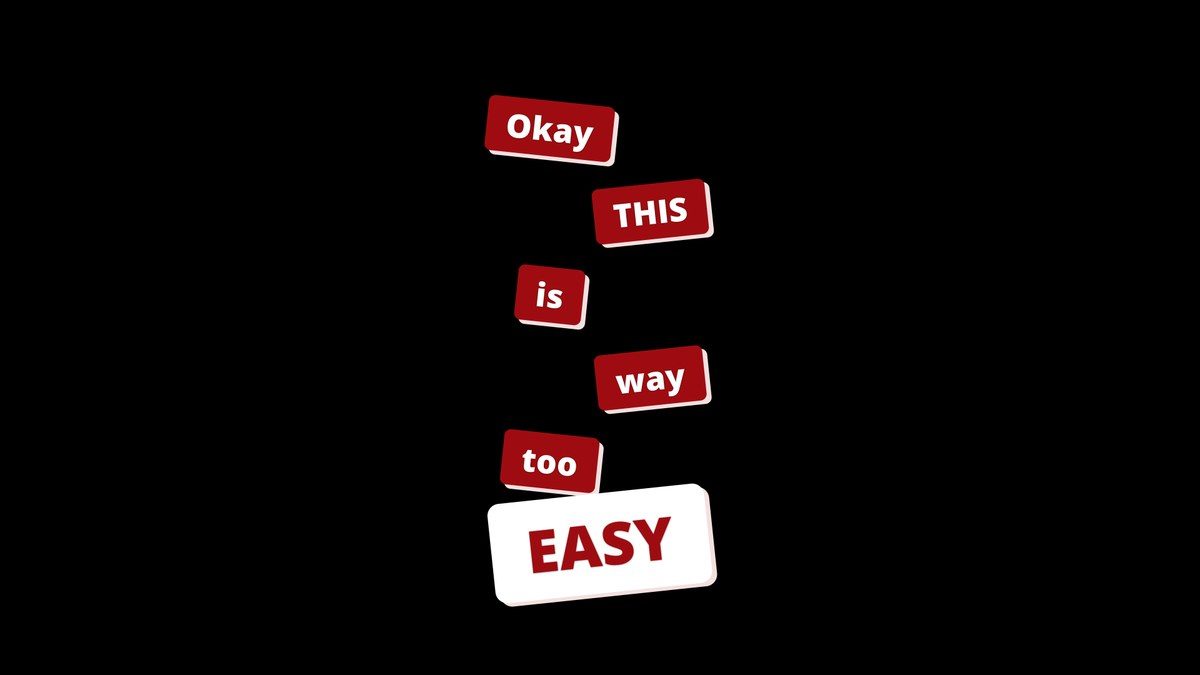
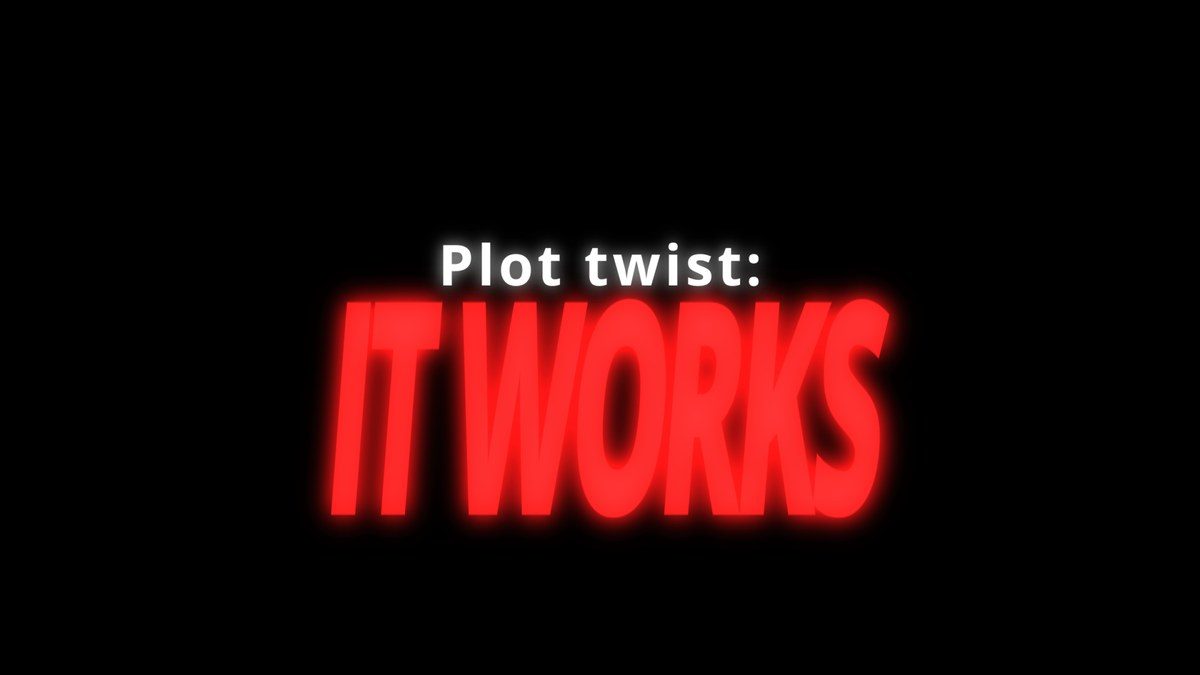
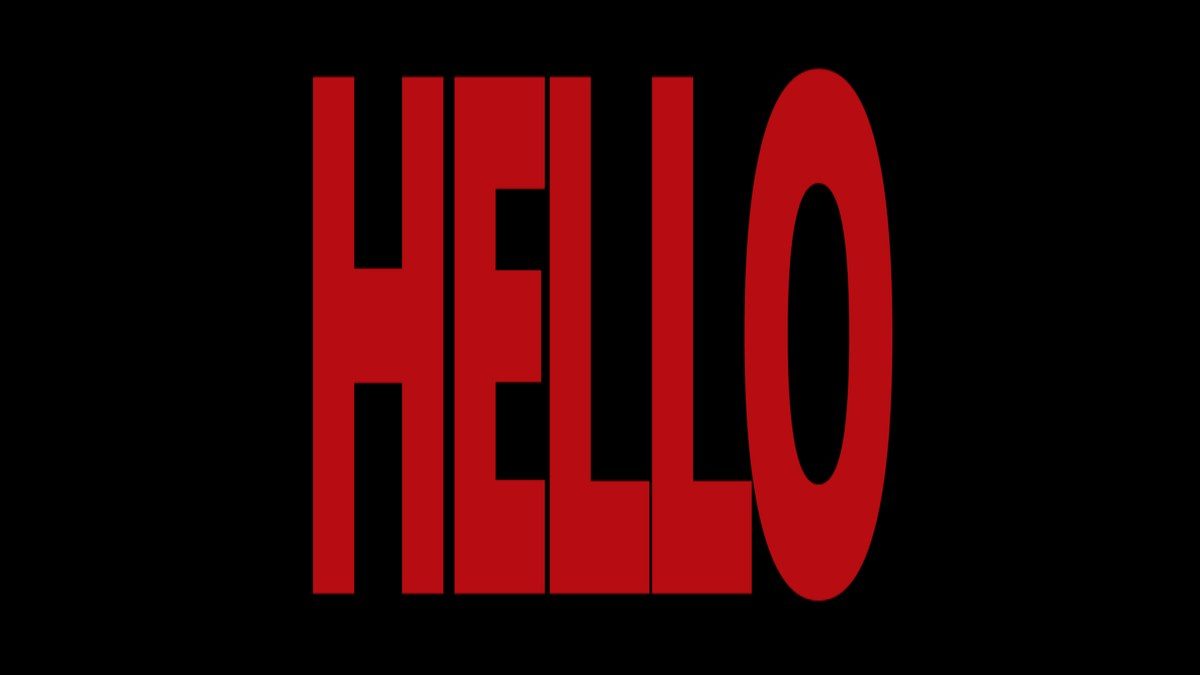
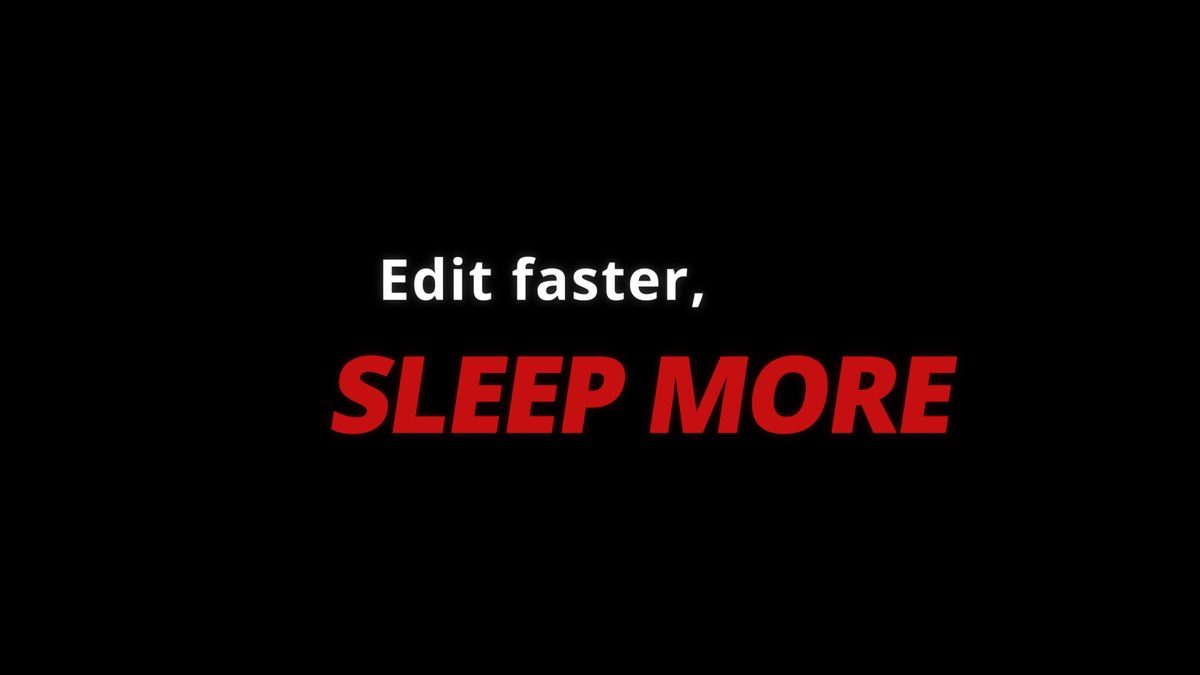
Five animated titles made for reels: sticker pops, neon punches, giant words and more.
What's in the pack
5 titles, one download
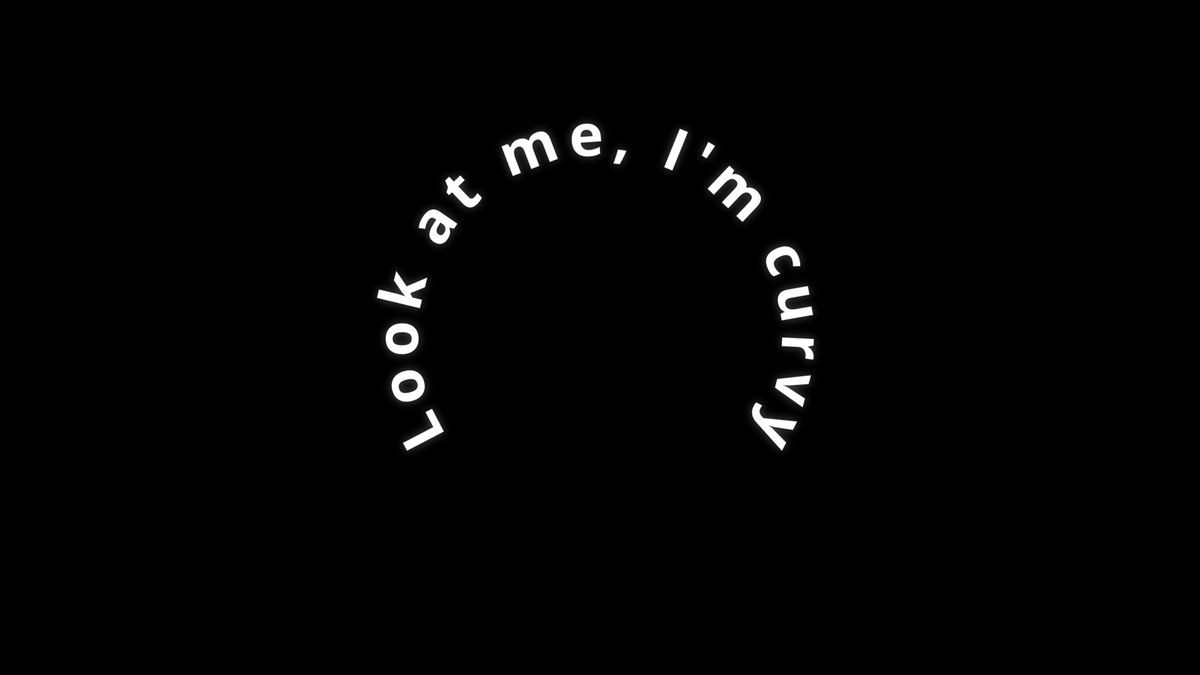
What it is
What it does
Five drag-and-drop titles for the Edit page, each with its own guide. Every title works on 9:16 and 16:9 timelines and gives you full control in the Inspector.
- Five titles in one download, each with a PDF guide
- Between 40 and 84 controls per title
- Every line gets its own text, font, size, colour, position and animation
- Shadows, glow and echo trails built in
- Works on 9:16 and 16:9 timelines
Use it for
- Hook text in the first two seconds of a reel
- Talking-head captions with one emphasised word
- Text-behind-subject shots
- Reveals, punchlines and section titles
Tips
- Giant Word on the track under a cut-out of your subject gives the text-behind-person look. Object Mask makes the cut-out.
- In Sticker Pop, make the last word the highlight for the punchline.
- Neon Punch has a separate animation section for each line, so the punch can land exactly on the beat.
Install · about a minute
Four steps
- 01
Unzip the download, then double-click the .drfx file inside. Resolve installs it for you.
- 02
Restart DaVinci Resolve.
- 03
On the Edit page, open Effects › Titles › anukalp.wip.
- 04
Drag it onto your timeline, select it, and change everything in the Inspector.
Double-click doesn't work? Copy the .drfx into ~/Library/Application Support/Blackmagic Design/DaVinci Resolve/Fusion/Templates/ on Mac, or %APPDATA%\Blackmagic Design\DaVinci Resolve\Support\Fusion\Templates\ on Windows, then restart Resolve.
Troubleshooting
If something's off
- It isn't in the Effects library. Restart Resolve after installing. Still missing? Use the manual install path above.
- It looks different from the demo. Check you're on Resolve 21, then compare your Inspector settings with the defaults in the guide.
- Known issues: none reported for this version yet.
Compatibility & releases
Version 1.0.0
| Works on | macOS, Windows |
|---|---|
| DaVinci Resolve | 21 (tested) · Free and Studio |
| Released | 15 Oct 2026 |
| Download | anukalp.wip-Text-Pack-Vol.1-1.0.0.zip · 4.7 MB |
| SHA-256 | aa0c826303543628febbf44a55cbcb34a1870012556846877226bb566fdbe48a |
Release history
- 1.0.0Current15 Oct 2026 · 4.7 MB
- First release: Sticker Pop, Neon Punch, Giant Word, Combo Line and Arc Text.
A version's file is never swapped. Fixes always come as a new version number.
Free download · 4.7 MB
Get Text Pack Vol.1
Enter your email and we'll send a download link. Already confirmed for another plugin? Same address, no new steps.