Plugins › Effects
Smart TV
Turns any clip into a close-up of a TV or LED screen, with real RGB pixels, glow and scanlines.
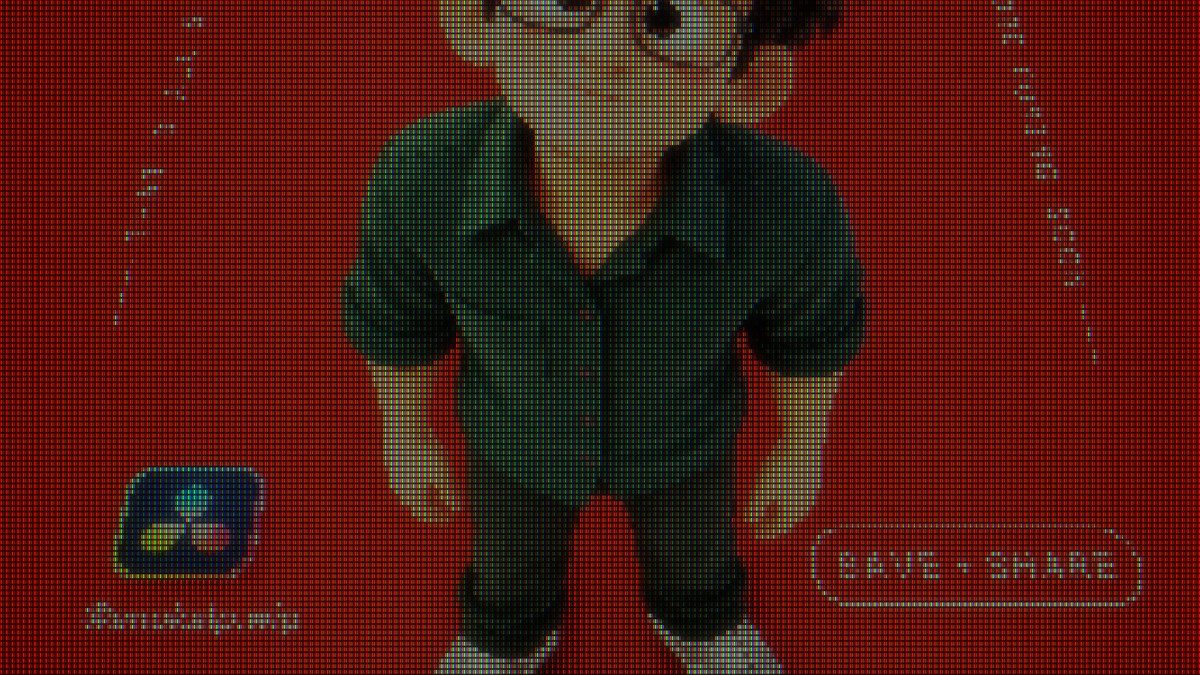
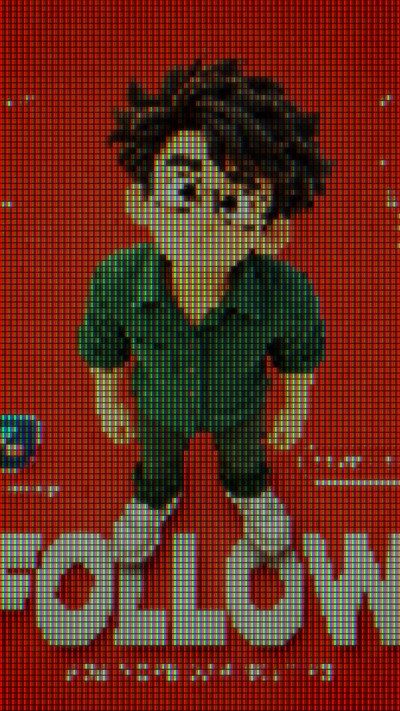
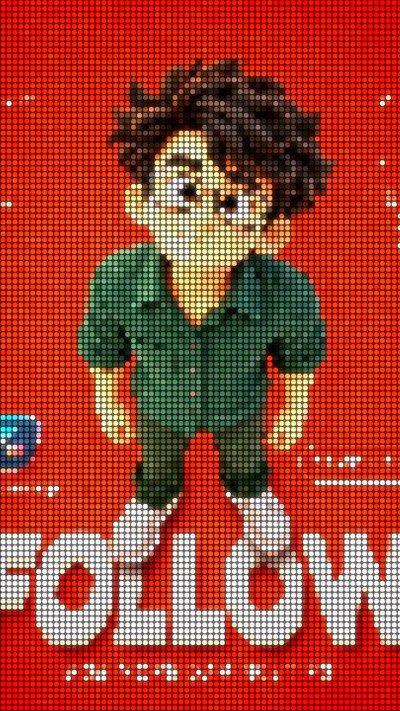
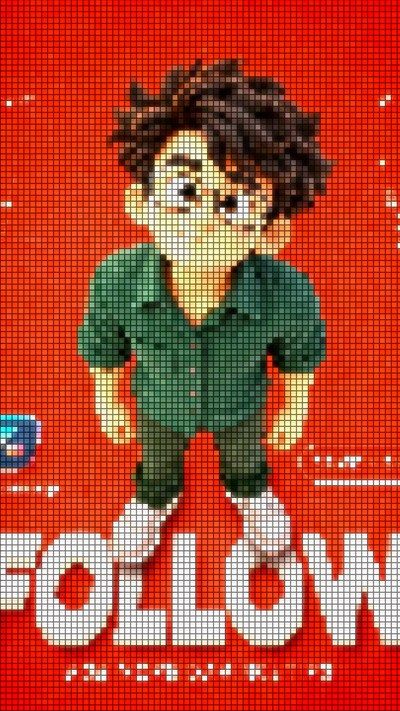
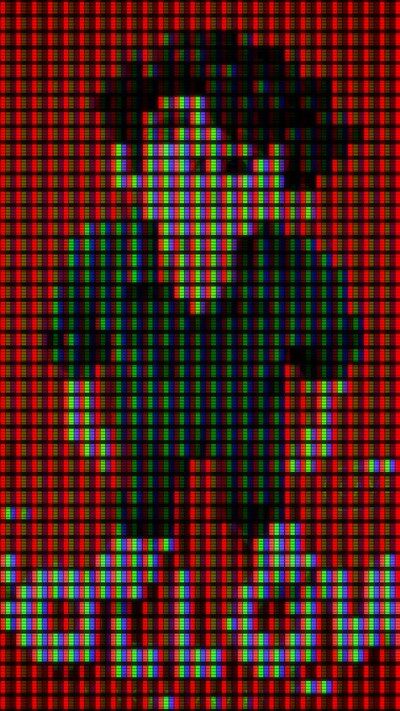
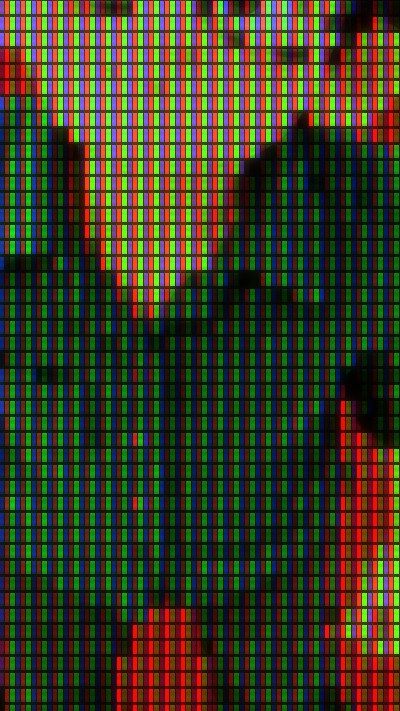
LCD stripes · LED dots · square pixels · big pixels + scanlines + curve · close-up
What it is
What it does
Rebuilds your video out of real screen pixels. Every cell becomes one colour, split into red, green and blue stripes (LCD), round LED dots or square pixels, with dark gaps between them. Then it adds the screen feel: glow, a brightness boost, scanlines that can roll, flicker, curve and vignette. Pixel size is set in rows down the frame, so it fits 9:16, 16:9 or any shape automatically.
- Three pixel types: LCD stripes, LED dots or square pixels
- Screen resolution set in rows, so it fits any frame shape
- Glow and brightness boost that make up for the dark gaps
- Scanlines that can roll, plus flicker for an old-screen feel
- Screen curve, vignette and zoom
- Effect Amount slider: keyframe it for a zoom-out-of-the-screen transition
Use it for
- “Watching it on TV” and screen-recording style shots
- Retro and gaming edits
- Transitions: push in from pixels to the clean shot
- Music videos and LED-wall concert looks
Tips
- Screen Resolution 40–80 gives chunky retro pixels; 150–300 gives a subtle screen texture.
- Pixelate Into Cells at 1 looks like a real screen; at 0 the video stays smooth under the grid.
- If it looks dim, raise Brightness Boost before touching Glow.
- Scanlines 0.3–0.5 with a small Roll Speed gives an old TV.
- Keyframe Effect Amount from 1 to 0 for a zoom-out-of-the-screen transition.
Install · about a minute
Four steps
- 01
Unzip the download, then double-click the .drfx file inside. Resolve installs it for you.
- 02
Restart DaVinci Resolve.
- 03
On the Edit page, open Effects › Effects › anukalp.wip.
- 04
Drag it onto your timeline, select it, and change everything in the Inspector.
Double-click doesn't work? Copy the .drfx into ~/Library/Application Support/Blackmagic Design/DaVinci Resolve/Fusion/Templates/ on Mac, or %APPDATA%\Blackmagic Design\DaVinci Resolve\Support\Fusion\Templates\ on Windows, then restart Resolve.
Troubleshooting
If something's off
- It isn't in the Effects library. Restart Resolve after installing. Still missing? Use the manual install path above.
- It looks different from the demo. Check you're on Resolve 21, then compare your Inspector settings with the defaults in the guide.
- Known issues: none reported for this version yet.
Compatibility & releases
Version 1.0.0
| Works on | macOS, Windows |
|---|---|
| DaVinci Resolve | 21 (tested) · Free and Studio |
| Released | 15 Oct 2026 |
| Download | anukalp.wip-Smart-TV-1.0.0.zip · 1.8 MB |
| SHA-256 | 80c3a5fa0f38ac25db34e38e9d74515dfaf4ee7cbafed9a190383bcb29f89ea3 |
Release history
- 1.0.0Current15 Oct 2026 · 1.8 MB
- First release: 20 controls, three pixel types, glow, rolling scanlines, curve and vignette.
A version's file is never swapped. Fixes always come as a new version number.
Free download · 1.8 MB
Get Smart TV
Enter your email and we'll send a download link. Already confirmed for another plugin? Same address, no new steps.